

AI Gateway now supports voice and audio models. You can build realtime voice agents, generate speech from text, and transcribe audio to text. This provides the same observability, spend controls, and bring-your-own-key support as text, image, and video models in AI Gateway, with no markup or platform fees. These capabilities are in beta and available via AI SDK 7.
With realtime support, a single model takes audio in and audio out, so a user can talk and hear a reply back in near real time instead of waiting on a chain of separate models.
Two ways to get started:
Follow the realtime example below or the realtime quickstart to add a voice agent to your app.
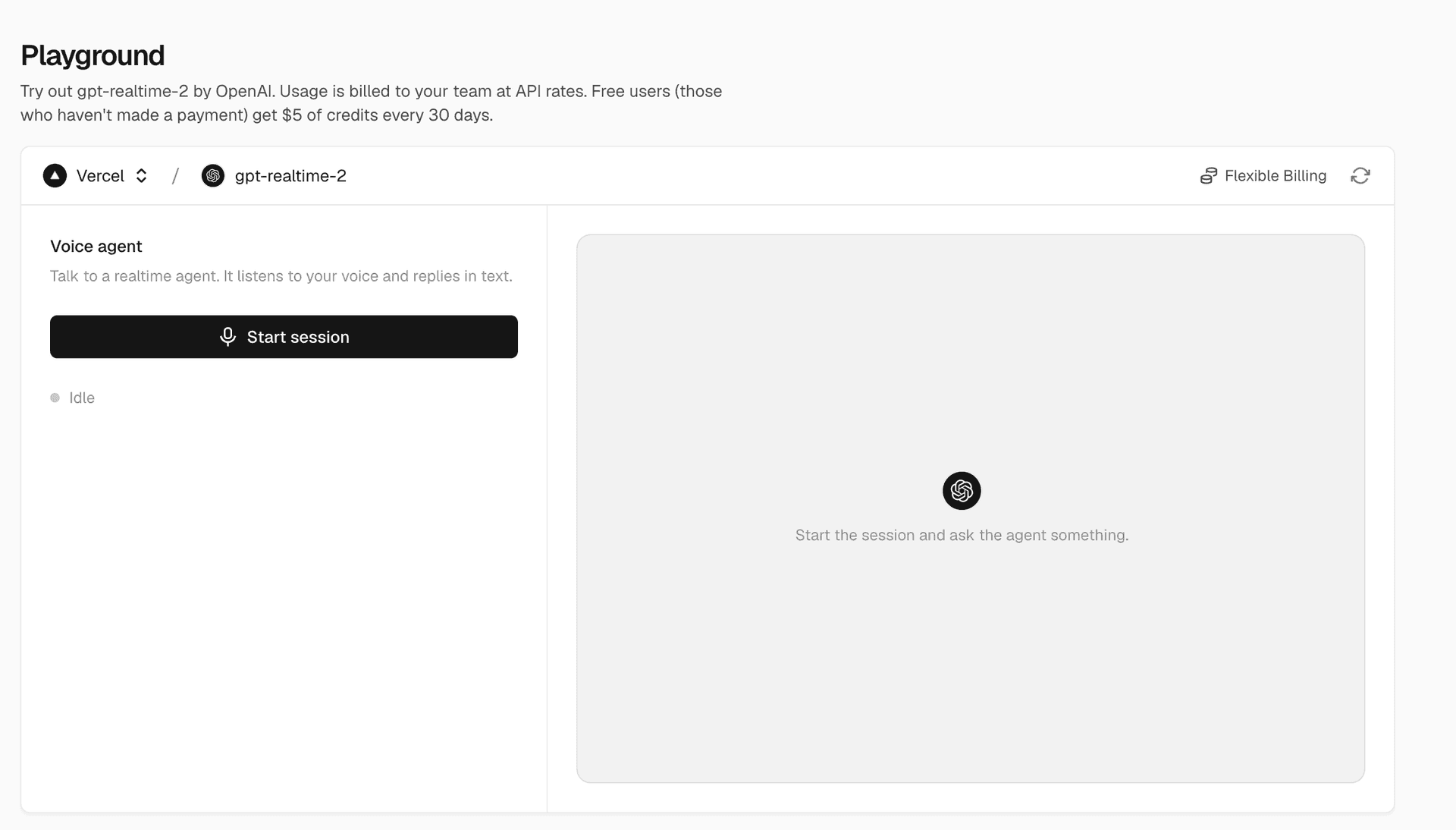
Use the playground. Talk to a realtime model in the browser, no code required, in the AI Gateway Playground.
Link to headingRealtime example
A voice agent has two pieces: a server route that mints a short-lived token, so your API key never reaches the client, and a browser component that connects with it.
Add the token route:
import { gateway } from '@ai-sdk/gateway';export async function POST() { const { token, url } = await gateway.experimental_realtime.getToken({ model: 'openai/gpt-realtime-2', }); return Response.json({ token, url, tools: [] });}Then connect from the browser. The useRealtime hook fetches that route and manages the WebSocket connection, microphone capture, and audio playback:
'use client';import { experimental_useRealtime as useRealtime } from '@ai-sdk/react';import { gateway } from '@ai-sdk/gateway';// Inside a client component:const { status, connect, startAudioCapture } = useRealtime({ model: gateway.experimental_realtime('openai/gpt-realtime-2'), api: { token: '/api/realtime/token' }, sessionConfig: { voice: 'alloy', turnDetection: { type: 'server-vad' } },});// Call connect(), then startAudioCapture(stream) to start talking.Link to headingPlayground
You can also try audio models without writing any code. Open the models page, click into a model, and interact with it right in the browser:
Talk to a realtime model to hold a voice conversation
Send text and have a transcription model read it back
Speak to an audio model and have it transcribe your words
For more information on realtime voice, speech, and transcription models on AI Gateway, see the documentation. To view a list of all the supported realtime voice, speech, and transcription models on AI Gateway, check the full list here.